
So, you’ve decided to get started blogging. To make the day to day of growing your blog easier, I want to share some blogging tips that I wish I knew when I started.
Be sure to pin this post for your reference and convenience. I’m constantly updating it.
Enjoy!

68+ BLOGGING TIPS, TOOLS, AND RESOURCES TO GROW YOUR BLOGGING BUSINESS
Before You Start Your Blog
Before you can begin blogging, you have to decide how you want to start creating your blog.
There are two ways you can make a website: with a website builder or with WordPress.
Website builders like Weebly and Wix get a bad name, but they are good ways for tech novices to get online.
Almost every website builder has their own hosting and offers free trials.
If you decide to go with WordPress for your blog, you’ve got to look for a hosting company.
Those of you who don’t know what hosting is, in short, it is the service that allows your blog to get seen on the internet.
Read more at >>>>How to Start a WordPress Blog for Your Side Hustle Business<<<<
Hosting Options
Weebly: This is a free hosting platform. It’s reliable and has exceptional site speed. With a paid plan, you can get access to unlimited storage and a free domain name. And, you won’t have to worry about ads when you create your blog with Weebly.
Wix: With Wix, you can enjoy fast and reliable web hosting for free. You can upgrade at any time. Security and support are top-notch. I think it’s just the thing to ease new bloggers into establishing an online presence.
WordPress Hosting
Bluehost: One of the most popular and top recommended WordPress host for new bloggers. What’s nice about Bluehost is that it’s inexpensive and offers a wide array of free services.
Siteground: I like that Siteground provides high-quality features at reasonable prices. Shared hosting is the most popular service. You can try it for 30 days with no obligation. I highly recommend it for new and intermediate bloggers.
WP Engine: This is managed WordPress hosting. If you have a decent budget, sign up for WP Engine. You’ll get quality and secure hosting services in exchange for your investment.
Domain Name Search
These are my favorite tools for domain research and registration. I recommend picking a name that is easy to spell, say, and remember.
NameCheap: My #1 recommended domain name search tool. I really like Namecheap because of the great prices on their services. Register your domain name and get your .com for as little as $8.88. If you’re looking for other domain extensions like .net, .co, .biz, etc., Namecheap has those too.
Bust A Name: A great tool for combining words and generating domain name ideas. Try it. Highly recommended.
Lean Domain Search: This is another excellent tool to search for and register your domain name. What’s nice about Lean Domain Search are the options it generates from a single keyword if the name you like is unavailable.
Hover: Like Namecheap, Hover offers a fast domain name search, and it’s a great choice for registering and managing your .com, .net, .co, .biz, etc.
Website Templates & WordPress Themes
Once you have hosting and a unique domain name, you’ll need to pick a website template or WordPress theme.
Your theme is a pre-designed template that you can modify to make your site look the way you want it to look.
If you’re using a website builder, they have an extensive selection of templates for you to choose from to create a unique site.
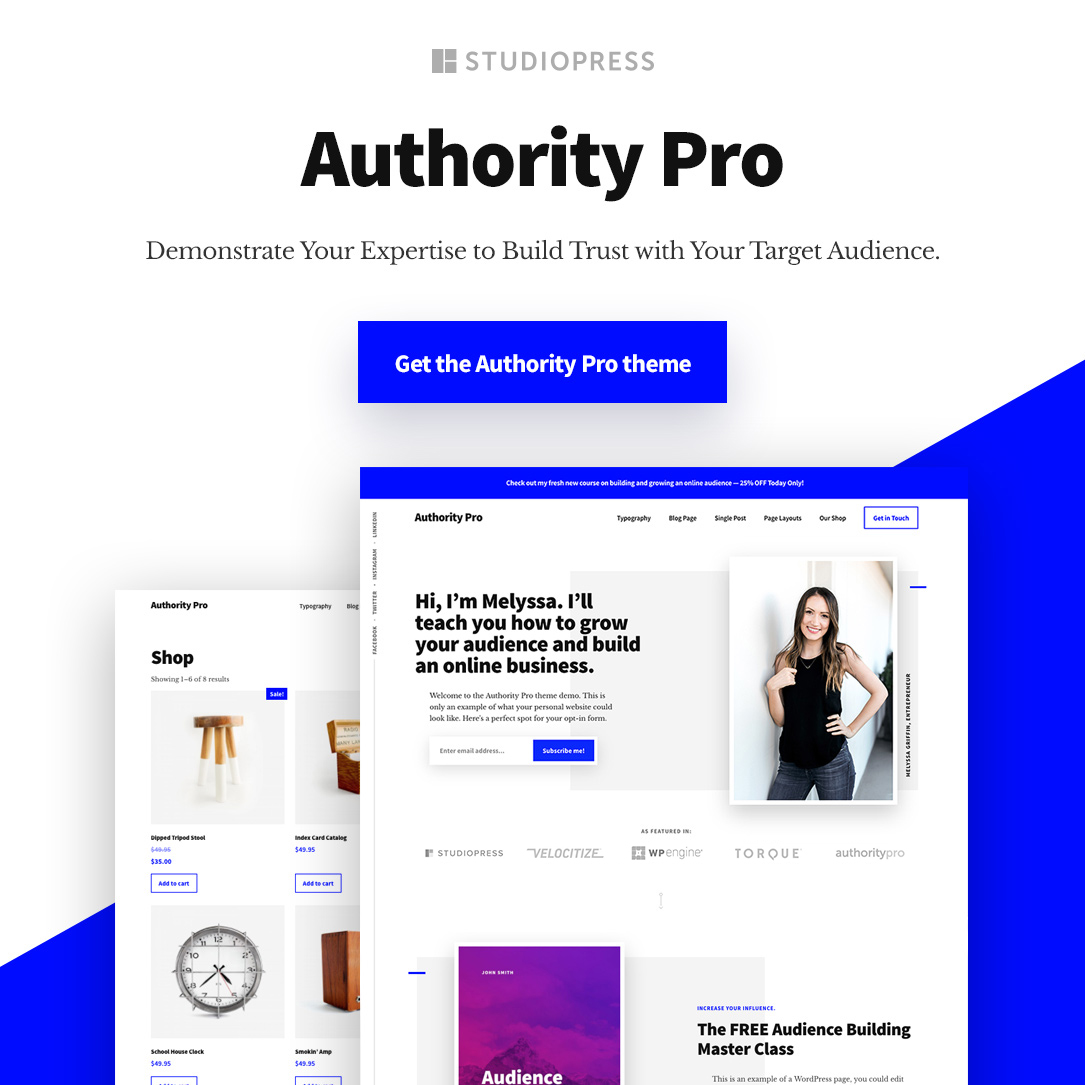
StudioPress: A collection of responsive themes that looks great. They are the creators of the Genesis Framework for WordPress sites that are now owned by WP Engine.
Pretty Darn Cute: Feminine WordPress themes built with Genesis so that you can create a pretty website.
DIY Themes: The creator of Focus and Thesis WordPress themes. If you want an optimized, highly customizable, and easy to manage blog, DIY Themes are awesome.
Bluchic: If you want feminine WordPress themes, then Bluchic is a good place to start. It’s the go-to place for stunning and responsive themes for female entrepreneurs and bloggers.
Astra: The WordPress theme that I use for TammieAllen.com. It’s SEO friendly, compatible with major page builders, and reasonably priced for the functionality you get.
WordPress Plugins
WordPress plugins are third-party extensions that you can use to add more features to your blog.
Website builders like Wix and Weebly, do not use plugins.
Redirection: When I delete or change a post or page permalink, I use Redirection to redirect the old post and pages to the new ones.
Yoast SEO: I use Yoast SEO plugin to tell me exactly what to do to stay on top of SEO.
Monster Insights: This is the plugin I use to connect my WordPress site with Google Analytics to track traffic from search engines.
Naked Social Share: These are the social share buttons below all my blog posts. If you like simple, clean, and minimum style, these are the ideal buttons.
Antispam Bee: My favorite plugin for protecting my blog from spam comments.
404 Redirect: A smart plugin that I use to fix 404 errors by redirecting the links to my website’s homepage.
Smuch: Smuch is the plugin I use to compress and optimize all the images on my website. It reduces your image file size without affecting the appearance.
Website Tools
These are my favorite website tools for security and speed.
Cloudflare: The best website performance and security tool out there. Cloudflare stops your website from being hacked and attacked by malicious traffic. I recommend that anyone with a website and their own domain use Cloudflare.
TinyPNG: This is another service I use to compress JPEG and PNG images. TinyPNG is the way to go without using a plugin. The service is free for everyone making it a no brainer to use.
Content Marketing Strategy
A resource to help you align your content with your blogging goals.
Read more at >>>>How to Boost Your Business Growth Using a Blog Strategy<<<<
Blog Post Research & Keyword Tools
These days it takes a lot of research and planning to create an effective content strategy. These are my favorite tools for finding grammar errors and keywords to target in my website’s content.

Ahrefs: A SEO tool to help you grow your traffic and research what keywords your competition is ranking for. But naturally, this comes at a price. So I recommend you try the seven-day trial first.
Semrush: Like Ahrefs, Semrush offers keyword research and competitor analysis for a fixed monthly fee. Although the pricing isn’t much different, SEMrush has more features than Ahref.
KW Finder: KW Finder by Mangools is also an incredible keyword research tool that offers the best value for your buck in terms of cost and features. KW Finder is by far the least expensive keyword tool, and what’s great is they offer unlimited competitor keywords lookup on their higher plans, and they have a ten-day free trial.
Ubersuggest: A keyword and competitor research tool created by Neil Patel, and it’s totally free.
Buzzsumo: Buzzsumo is a popular tool for content research. When I run out of blog post ideas, I use the free version of Buzzsumo to search for articles and content that is getting shared on social media to help get my creative juices flowing.
Grammarly: This is a spelling and grammar app. I pay for the premium version. You can pay annually, quarterly, or monthly. If you’re running a blog, you must catch typos and small errors in your writing. Highly recommended.
Social Media and Pinterest Tools & Strategies
Social media scheduling tools make social media posting manageable and saves you a tremendous amount of time.

Tailwind: Tailwind is the social media scheduler I use to save me time from manually posting to Instagram and Pinterest.
Hootsuite: This tool lets you schedule posts to multiple social media accounts. It is my preferred method for scheduling GIFS and videos on Facebook.
Post Planner: I really like Post Planner’s content search feature. You can make images using Canva inside of Post Planner. And, the data that you get on the best performing content makes it highly recommended!
Later: Allows you to schedule posts to Instagram, Twitter, Facebook, and Pinterest. Later is awesome because it’s constantly releasing new features, and their customer service is on point.
Email Marketing & List Building Tools
Email marketing is crucial to the success of a blogging business because you own the email list.
Even though social media is helpful for growing an audience, it shouldn’t be your primary method for building your email list.

Aweber: Aweber is very reasonably priced, and they’re the most feature-rich email marketing and list building platform for bloggers.
Convertkit: My #1 recommended email marketing provider for advanced bloggers with a list of at least 5k subscribers. I recommend new bloggers use Convertkit when you hit 1-2k subscribers.
Interact: I love everything about Interact. It’s my primary quiz maker tool for gathering subscribers. It integrates with Aweber, Convertkit, Leadpages, and many other email marketing platforms. Click here to make your own quiz for free.
Read more at>>>>How to Create a Quiz and Start Growing Your Email List<<<<
Make Money Blogging
Now that your blog is all set up, you need to start thinking about how you’re going to make money from your blogging efforts.
Is it going to be with courses and memberships, ads, or affiliate links?
Or will you be selling ebooks, your own products, or perhaps you want to sell services instead?
Online Courses & Membership Platforms
These online course platforms will make setting up and selling your course easier if you want to create your own online course or membership site.

Teachable: Teachable is an excellent platform that allows you to create and sell your own online course. You can easily draft, customize, and launch new course pages on this awesome course platform that seamlessly connects to your own domain.
Thinkific: Thinkific is an excellent online course and membership platform that is priced really well. If I couldn’t use Teachable, Thinkific would be my next favorite option.
Payment Processing & Digital Product Delivery
If you decide to sell ebooks and other digital products, you’ll need a service that takes care of file storage, payment processing, and product delivery to your customers.

Sendowl: Here’s what I like about Sendowl. First off, they’re the only digital product platform to offer pre checkout and post-payment upsells. The other thing I like about Sendowl is that the checkout pages are shown to your customers in their native language.
Payhip: I decided to use Payhip to handle the payment and delivery of my ebook and planner. It works well, you can customize your product page, and there’s no fee until you make a sell.
WP Simple Pay: I use WP Simple Pay on my hair blog. WP Simple Pay is a plugin that connects the Stripe payment gateway to your WordPress site. You can accept Stripe payments without setting up a shopping cart.
Landing Page Builders
These landing page builders are designed to create high converting landing pages.
Landing pages are pages on your blog that have a form on them and don’t include buttons or links to other products and services.
Landing pages are the ideal method for converting a website visitor to a lead.

Elementor: A simple to use WordPress page builder plugin. Unlike other landing page software like Ontraport and Leadpages, which provide landing page templates, you can design anything you want with Elementor. And the best part is it’s free.
Ontraport: If you’re not a developer and do not know a lick of HTML or CSS, and you want to design beautiful pages, then Ontraport is probably the landing page software for you. While you’ll have to pay higher fees, then some of the other landing page builders, Ontraport templates and design tools are a lot better than others.
Leadpages: Leadpages offer email capture. You can use Leadpages to create opt-in boxes and landing pages to grow your blog and email list.
Affiliate & Ad Networks
If you want to try monetizing your blog with affiliate links and ads, these are my recommendations to get you started.

Shareasale: Shareasale is an affiliate network you can join to find products to promote. And you’ll be paid a commission when someone purchases through your referral. Join Shareasale.com, earn cash!
Google Adsense: An easy program you can join to start displaying ads even if your blog is new.
Mediavine: A full-service ad management company that manages display ad optimization, video monetization, and sponsored influencer marketing for content creators.
Blogging & Online Courses
Getting your blog to the next level can be challenging. Bloggers who want to get there faster took these blogging and online courses.

Affiliate Marketing Training Bundle: Want to start making money blogging, but you haven’t made your first affiliate sale yet? This affiliate marketing training bundle is everything you need.
Blog Life + Blog Life Pro: If you want to be a blogging pro, then Blog Life + Blog Life Pro are good places to start.
Creating content that connects with your readers is the focus of Blog Life. Blog Life Pro focuses on optimizing your efforts which is ideal for bloggers who want to turn their blog into a career. Click here to sign up for Blog Life + Blog Life Pro.
Photography

Lights Canva Action: A DIY design course for creating professional graphics, visual designs, workbooks, printables, and more with Canva.
DSLR Basics + Photoshop For Bloggers: From learning all about shutter speed, aperture, ISO, your palettes and windows, adjustment layers, and even how to make GIF files, these courses have it all.
Digital Photography School: If you want to take amazing photos that your friends and family won’t believe you shot, then Digital Photography School is an excellent place to start. It’s a perfect place to learn how to pump up your photography skills.
Shades of Magenta Blog Design Kit: Want to give your blog a more polished look? You can with this customizable blog design kit.
Images & Logo

Picmonkey: A powerful photo editing and graphic design maker. Sign up for your free trial.
Stencil: An easy to use graphic design tool for bloggers. Click here to start creating images.
Canva: A free design tool you can use to create anything.
Brandcrowd: My preferred logo maker, along with DesignEvo. Click here to view more details.
Ivory Mix: Stock photos and graphics for creative entrepreneurs.
Pixistock: Get styled stock photos, graphics, and templates for your blog, website, and social media feeds.
DesignEvo: This online logo maker helps you create logos in minutes with no design experience. Make your free logo here.
Blog Income & Expenses Tracker
If you struggle to manage your expenses, track your income, or invoice your clients, consider these resources to run your business better.
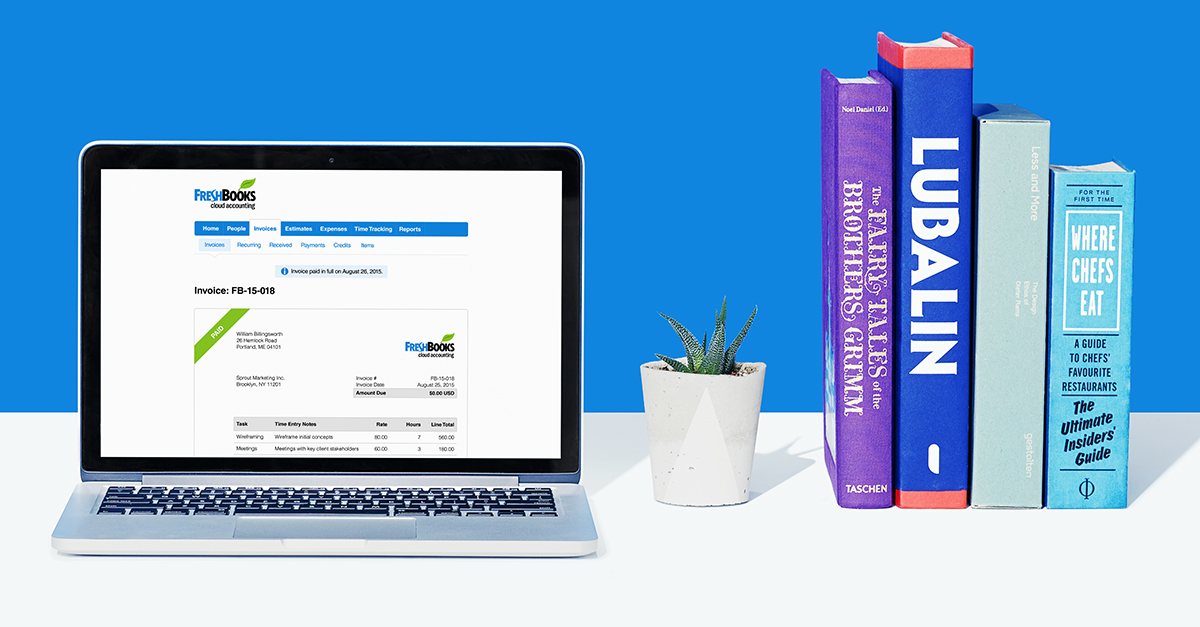
Freshbooks: Freshbooks has become the defacto standard for small business invoicing and bookkeeping. It’s priced well, easy to use, and keeps your business books in order.
Profit & Loss Planner: A spreadsheet to track your business income, cost, and expenses. Click here to view more details.
Blog Organization & Productivity
These are the business and productivity tools I rely on to keep me from slacking off.

Life Planner: This coiled planner helps you reduce stress, get organized, and achieve your goals. Get the Life Planner here.
Trello: With Trello, you can organize and prioritize your projects. I use it when I’m brainstorming blog post ideas.
Time to Hustle: My Time to Hustle printable is designed to keep you organized and help you keep track of tasks you need to complete.
Gsuite: If you have a team, it makes sense to sign up for Google’s Gsuite. With a Gsuite account, you and your team get access to online storage, shared calendars, video meetings, and professional email. Instead of yourname@gmail.com, you’ll get yourname@yourcompany.com.
The Contract Shop: Make your business official. Templates for everything from forming your LLC, DBA, corporation, or partnership. Highly recommended.
There you go! 68+Blogging tips, tools, & resources to grow your blogging business.
If you are new to blogging, these blogging tips can help grow your business faster.
Will you need all these tools right away? Some you will.
I feel having a planner, email marketing, a keyword, grammar, and graphic design tool are essential for your blogging business in the beginning.
You can use the other tools once you get more readers.
Tell me in the comments below what blogging tools have helped grow your business? Which of these blogging tips have you implemented?
And if you found these blogging tips and resources helpful, be sure to pin me!
The post 68+ BLOGGING TIPS, TOOLS, AND RESOURCES TO GROW YOUR BLOGGING BUSINESS appeared first on Tammie Allen.
from Tammie Allen https://ift.tt/2TSC6cG


0 Comments